Documentations in your pocket
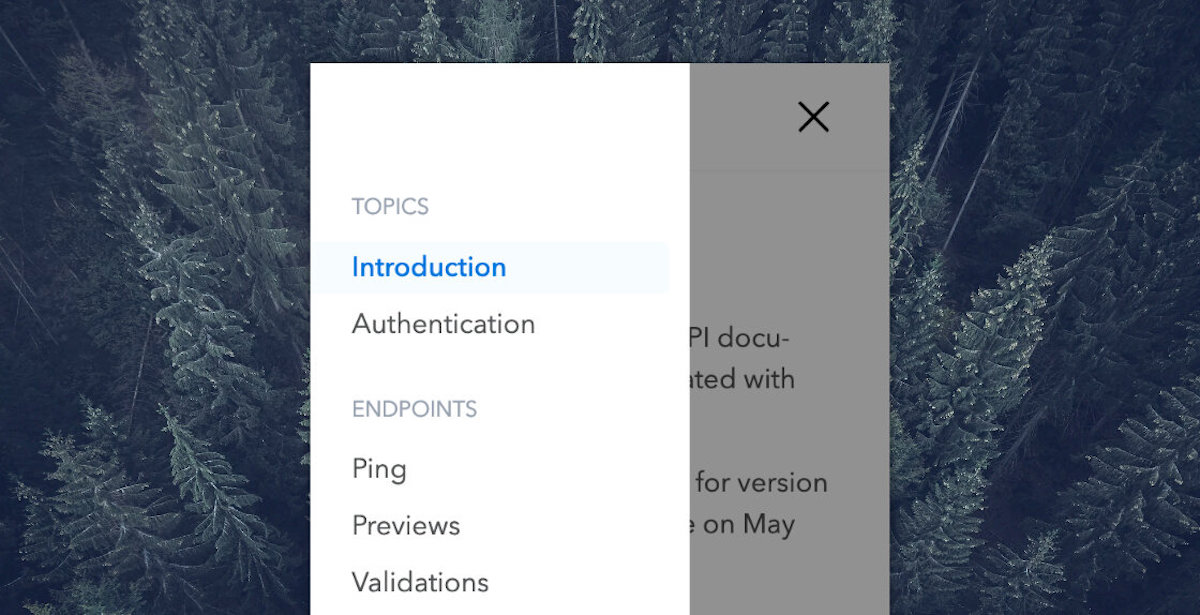
We now offer a better mobile experience for your documentation if you happen to need it on-the-go. You will also have a navigation menu that allows to access the changelog page.
More changes are coming, stay tuned!

We now offer a better mobile experience for your documentation if you happen to need it on-the-go. You will also have a navigation menu that allows to access the changelog page.
More changes are coming, stay tuned!
As your API grows, your specification becomes more and more complex. At some point, splitting it up into multiple files with $ref references pointing to these external resources can help a lot.
We have just released full external references support by updating:
Now, no matter the channel you use to deploy a specification, Bump will resolve all references (when possible) and import their content into your documentation.
Want to learn more? Have a look at [our documentation]/help/specification-support/references/).
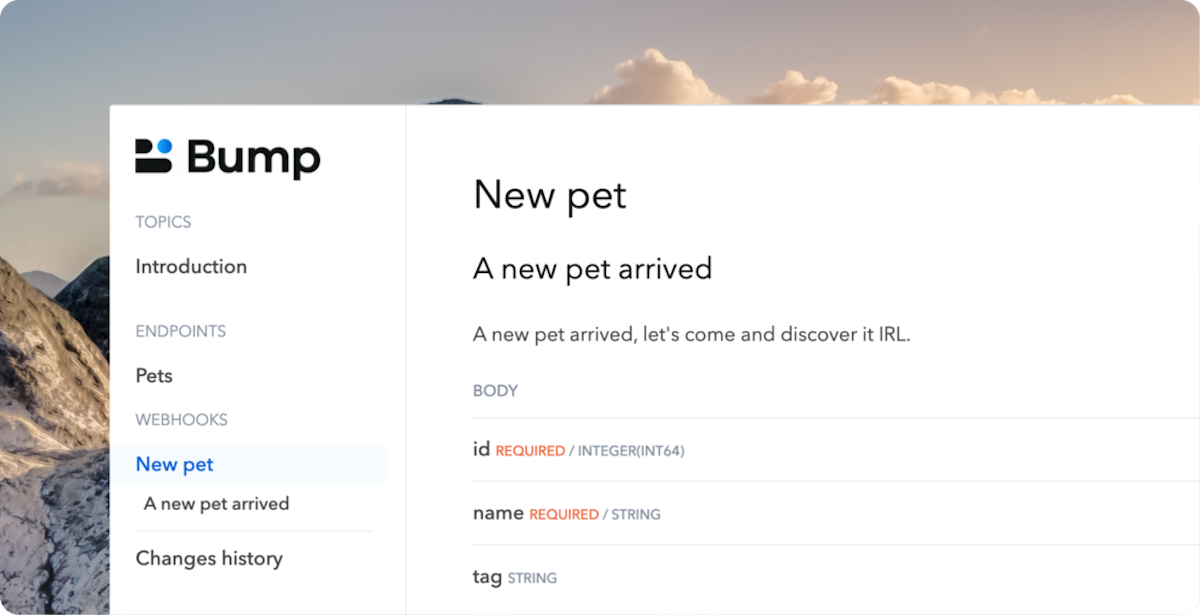
OpenAPI 3.1 has been released today. Some important changes are coming with this new version. Above all, the greatest improvement is the support of webhooks, at the same first level than paths.
We are glad to announce today that webhooks are now supported by Bump, as you can see in this live example.
We hope you’ll enjoy this new feature, don’t hesitate to have a look to our technical documentation if necessary.
OpenAPI provides field servers on OperationObject, as an alternative url to service an operation.
If an alternative server object is specified at the Path Item Object or Root level, it will be overridden by this value. cf OpenAPI-Specification
From now on, Operations servers are supported to customize your operations examples (in definition and curl example).
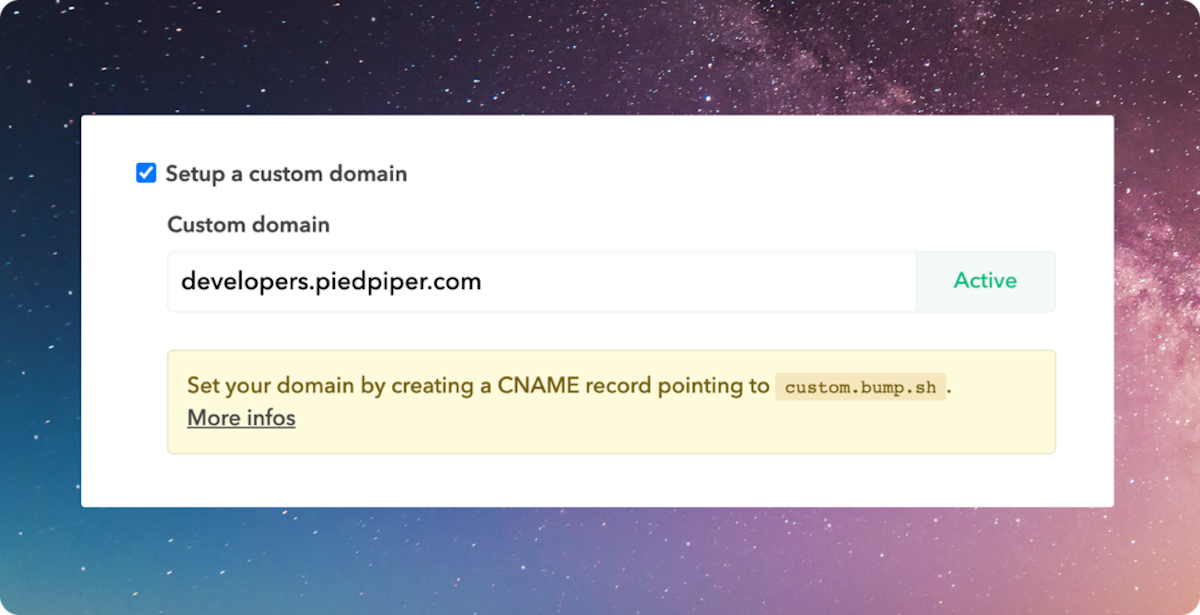
You can now configure your custom domain directly from the app. No more manual email to us, just create your CNAME record, fill the form, and voilà.
We also have good news for you: we’ve updated our pricing plans to allow you to set up custom domains on free plans. One would say it’s Christmas, before Christmas. Enjoy!
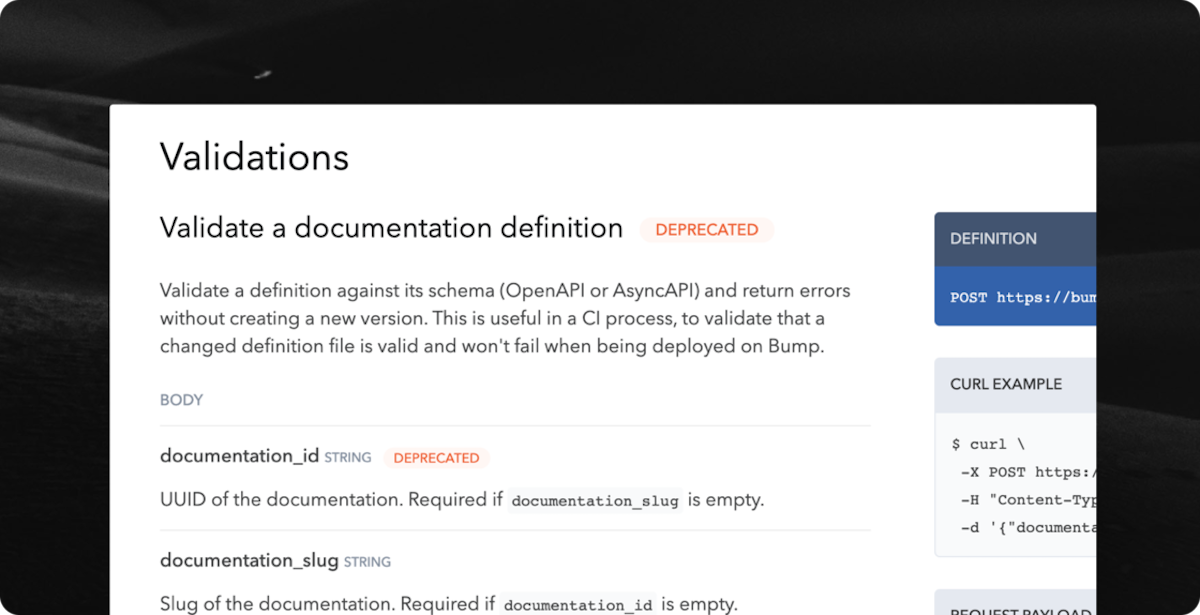
We now identify deprecated elements in both OpenApi and AsyncApi specifications, and highlight them in your documentations.
We wanted to release it fast, as it was an important missing feature, but this is just the beginning: we have a lot of ideas on how we can enhance deprecation support that we will implement in the upcoming weeks.
Want to share some use cases with us? Pick a slot on Anthony’s calendar, he will be super glad to hear from you.
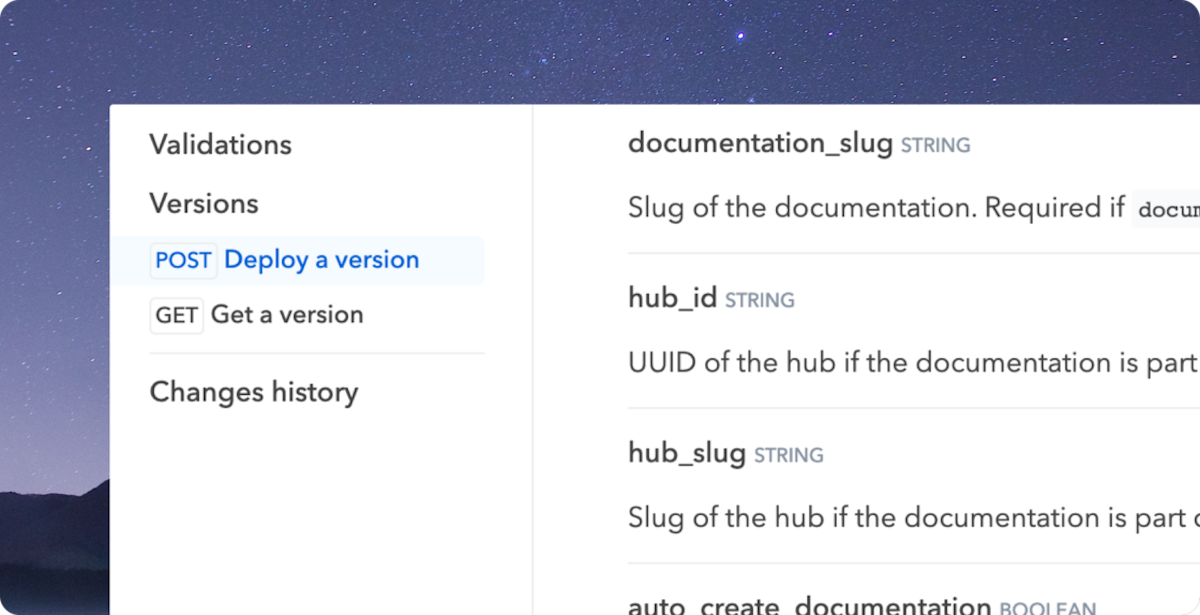
Displaying operations in an endpoint or a channel is sometimes not enough. You can now configure your documentations to show operation verbs in navigation.
To enable it, go to your documentation settings “Customize UI” tab, then select “Groups and operations with verbs” in the “Navigation” input.
Until now, for documentation having a customised logo, the same one was used as a favicon.
From now on, you can use a specific one, to brighten up your documentation more than ever!
Here is how Bump’s documentation looks like now:
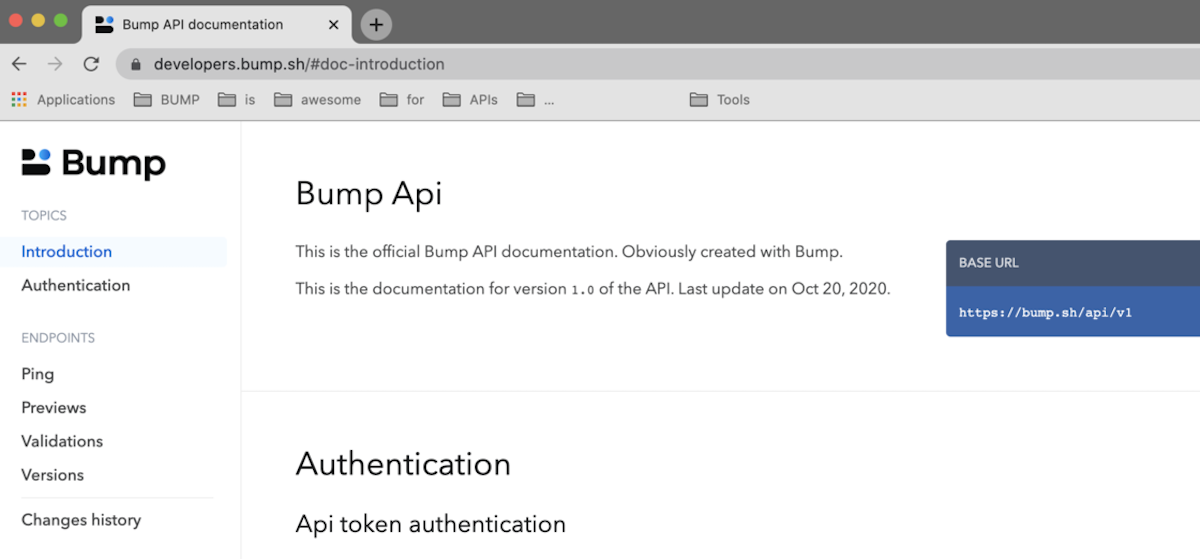
And icing on the cake: it works for your hub too!
Happy enhancement!
We have enhanced the way we summarize API changes. We now list any changes, at all levels (endpoints, requests, responses, attributes & headers) in the API changelogs and notifications we send.
Here an example of a previous summary:
Endpoint updated: Versions
Endpoint updated: Validations
Which now becomes:
Updated: POST /docs/{:id}/versions
  Body attribute added: specification
  Response added: 200
  Responses removed: 201, default
Updated: POST /docs/{:id}/validations
  Body attribute added: specification
  Response removed: default
It is now active for all new deployments. We’ll be recalculating the summaries of previous deployments to make your API changelogs clearer soon.
What’s the first thing you look at when exploring a new tool? If you’re as lazy as I am, it’s probably the examples. As we think they are one of the most important parts of your documentation, we gave them the attention they deserve.
First, we have improved the way we auto-generate examples when missing. We now generate them based on the format of the attribute, for the following formats: email, url, date, date-time and UUID.

For requests with a body, we now display the whole body example, just under the cURL command example.
And last but not least, copying an example has never been easier: we have added a copy button for cURL and request body examples:
