Dark mode customization
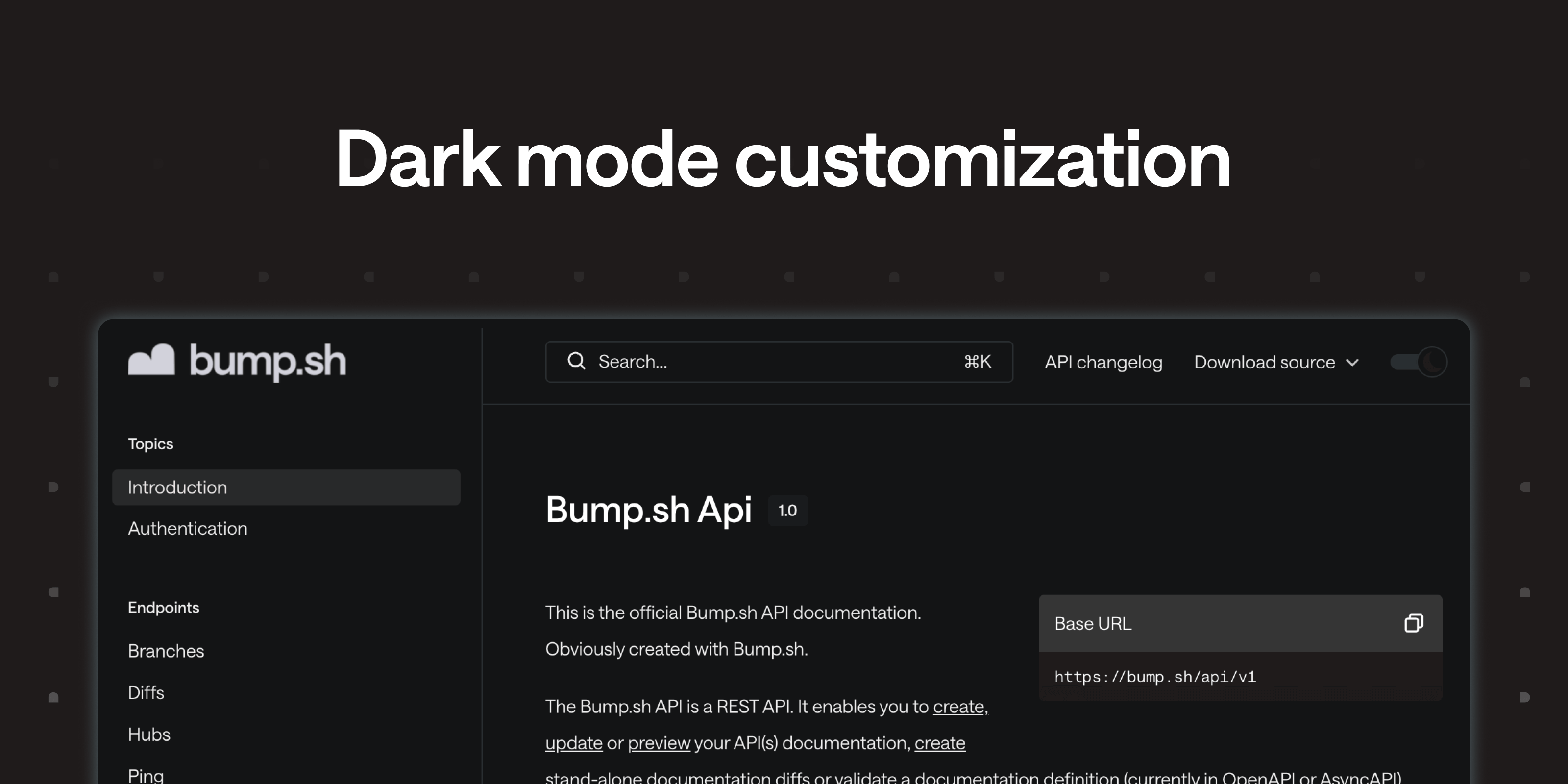
Since we started providing dark mode, we applied filters to make your light mode color and logo blend in dark mode. The thing is, it isn’t always enough to ensure branding consistency. You can now define a custom logo and color dedicated to dark mode.
The option is available in your hub/documentation settings, under “Customize UI”.
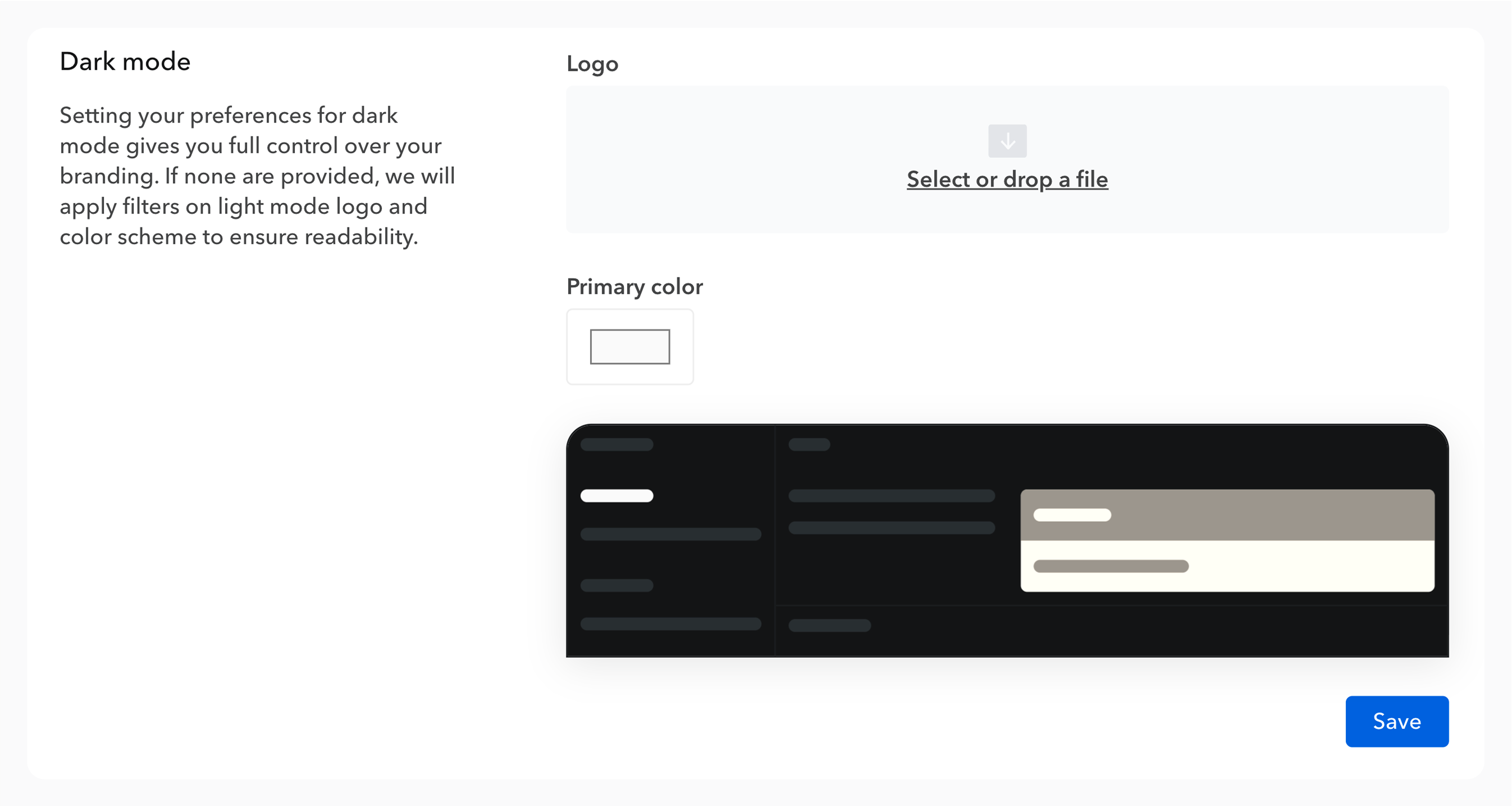
It’s not mandatory: we’ll keep applying filters if you don’t want/need to customize it, but it gives you flexibility.
Any request or feedback? As usual, you can reach out at hello@bump.sh!
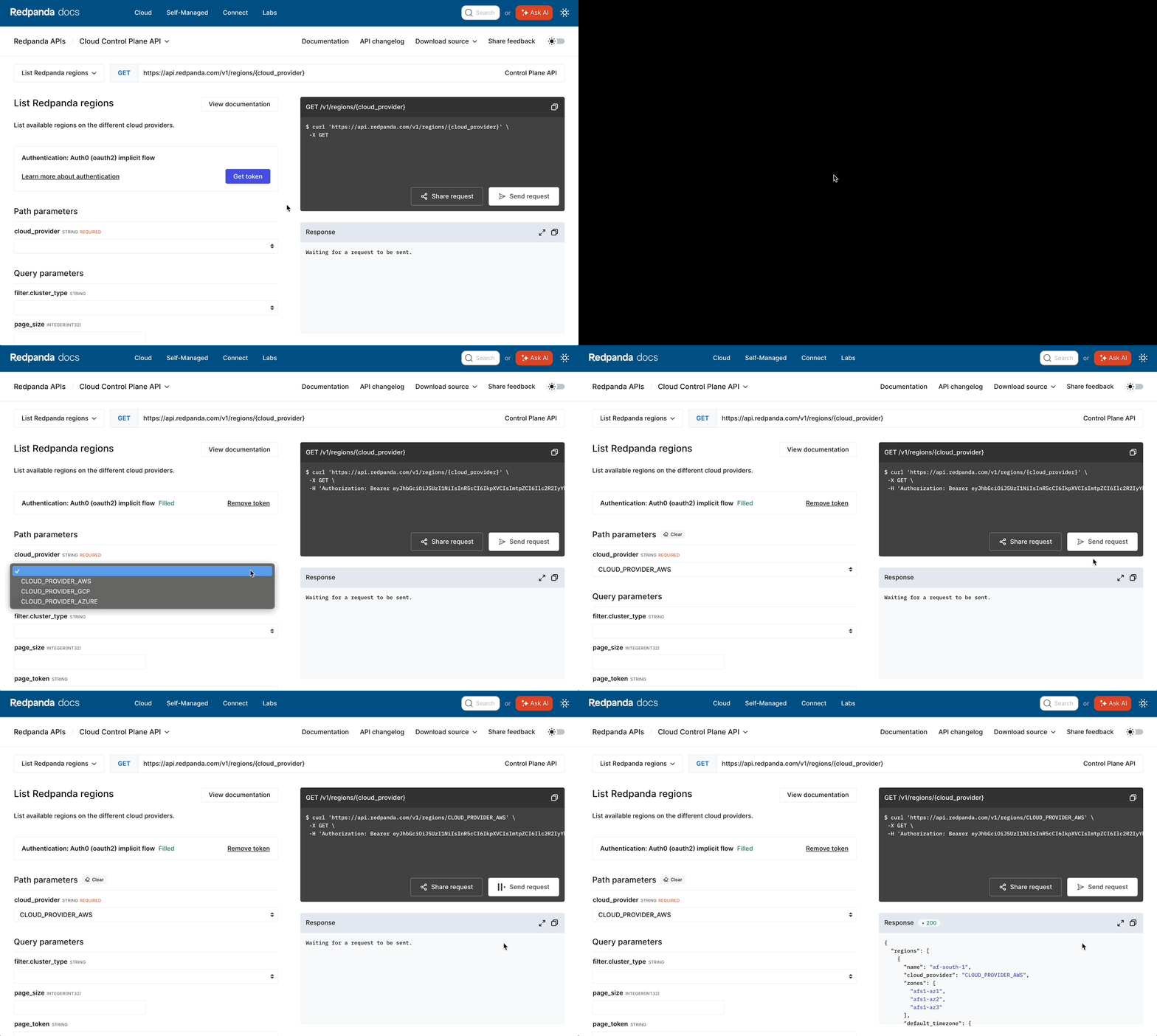 Example of the OAuth2 implicit flow experience for an API consumer already logged into the API’s cloud platform.
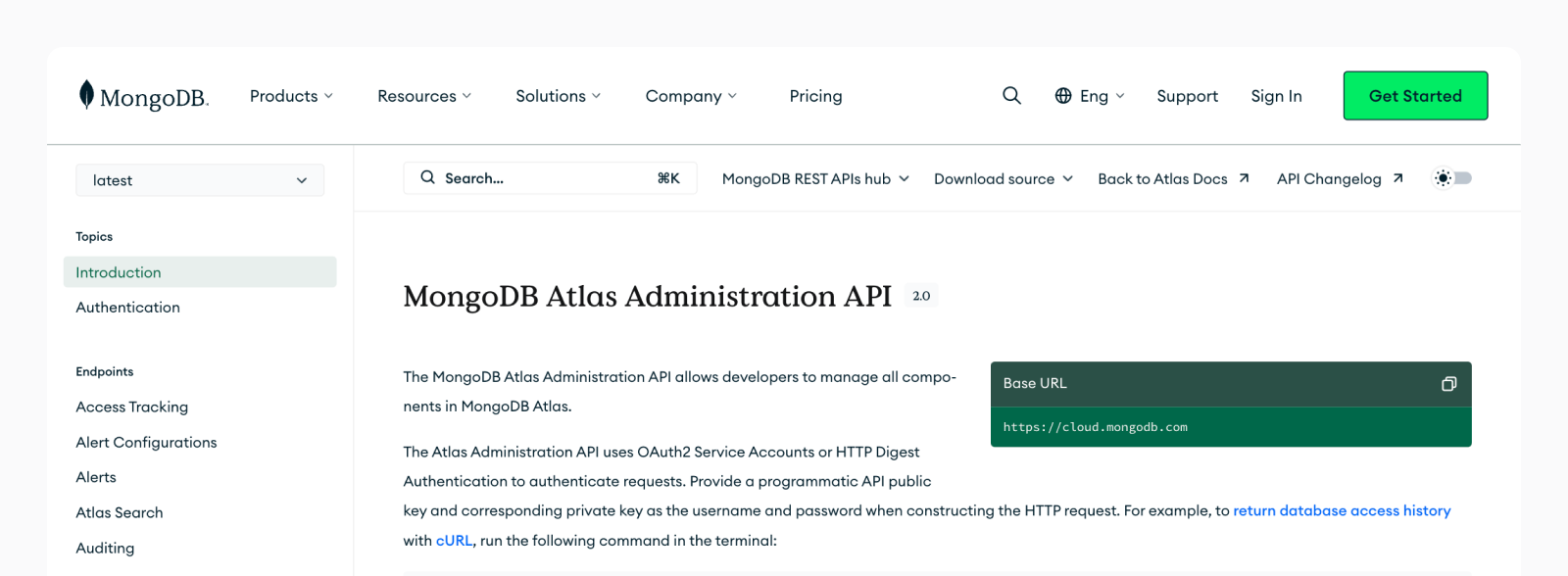 Embed mode used by MongoDB